
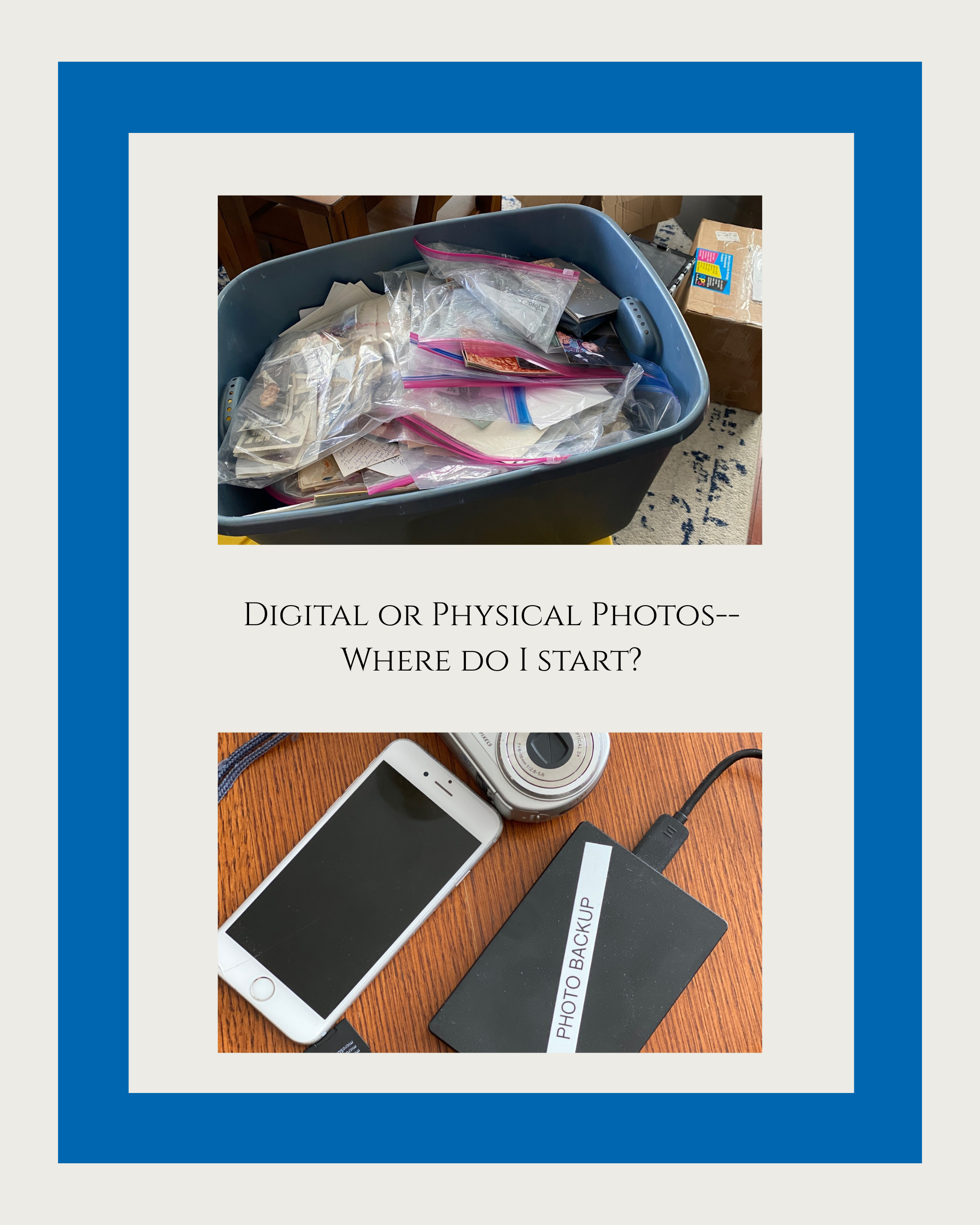
Printed or Digital Photos — What Should You Organize First?
One of the questions I get asked most often is:
“Should I start with my printed photos or my digital photos?”
The truth? There isn’t one right answer. Every family’s situation is different. The key is choosing the project that will make the biggest impact for you right now.
One thing I don’t recommend is trying to organize both at the same time. That quickly becomes overwhelming. Pick one type of media and focus your energy there.
Here are some things to consider as you decide where to begin.
Reasons to Start with Digital Photos
You may want to start with digital if:
Your phone is constantly full
You can’t find specific photos when you need them
Your photos are scattered across multiple devices and platforms
You take photos daily and feel frustrated by the chaos
You don’t have a reliable backup system in place
You would be devastated if you lost everything tomorrow
Digital clutter creates daily stress. If your current photo habits feel out of control, organizing your digital photos may bring the fastest relief.
And remember — safeguarding your digital files is critical. Creating a simple 3-2-1 backup system (3 copies, 2 types of media, 1 off-site or cloud copy) is one of the most important first steps you can take.
Reasons to Start with Printed Photos
You may want to begin with printed photos if:
You have multiple boxes (or totes) of old photographs
You’re worried about fading, heat damage, or aging
You want to create a meaningful project or gift for a loved one
The idea of dealing with them feels heavy or stressful
Printed photos are physical, and that means they are vulnerable to heat, humidity, disasters, and time. Storing them properly in archival containers and keeping them out of garages or attics can make a huge difference.
If you decide to digitize, focus first on the photos that would make you cry if you lost them. Start with what matters most.
The Most Important Question to Ask Yourself
Instead of asking,
“Which is more important?”
Try asking:
“Which project will make my life easier in the next 30 days?”
That’s your answer.
Make a 30-Day Plan
Once you decide:
Set small, realistic goals.
Break the project into manageable steps.
Revisit your plan after 30 days.
If it’s working — keep going.
If it’s not — adjust or switch focus.
Progress is more important than perfection.
Slow and steady truly does win the race.
If you’re feeling stuck, overwhelmed, or unsure where to begin, you’re not alone. Whether it’s boxes of printed memories or thousands of digital photos, the most important step is simply choosing one place to start.
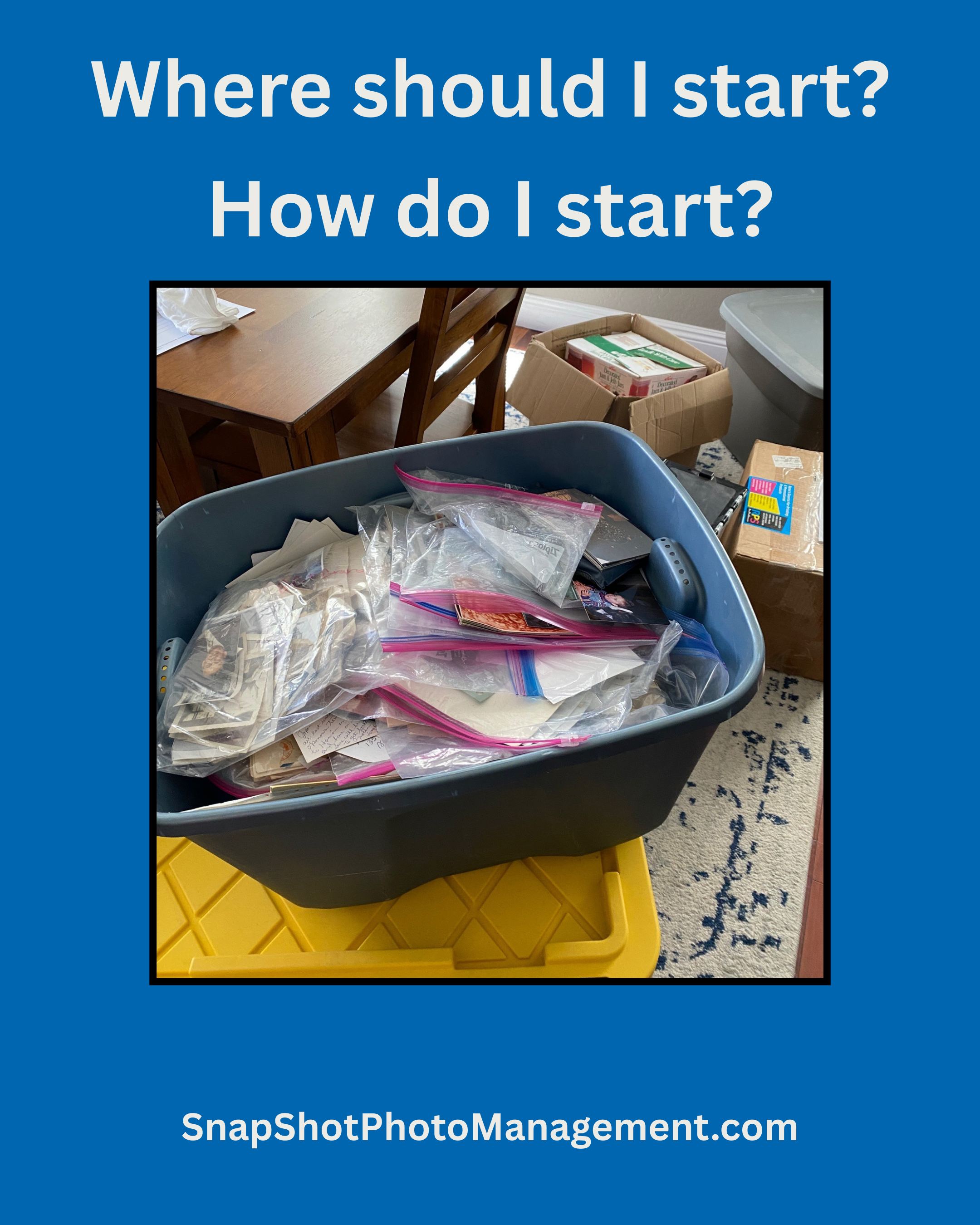
Where Do I Even Start With Years of Photos?
If you’ve ever opened a photo box, scrolled endlessly on your phone, or stared at thousands of digital images and thought, “I don’t even know where to begin,” I want you to know something important: you are not behind, and you are not failing at this. You are normal!
This is the single most common question I hear about photo organizing, and it makes complete sense. Photos don’t announce themselves as a “project.” They just show up in our lives: old family photos, vacations, birthdays, everyday moments, screenshots, school pictures, random uploads, and those photos you meant to “deal with later.”
Before you know it, “later” has turned into years of memories scattered everywhere. That can feel heavy. Overwhelming. Even a little paralyzing.
But here’s the truth I want you to carry with you: you do not have to organize everything to get started. You just need one meaningful starting point.
Why Photos Feel Hard to Tackle
Photos are different from other clutter. They aren’t just objects—they’re people, stories, milestones, and emotions. That’s what makes them priceless… and also what makes them tricky to sort through. No one wants to delete or throw away a memory.
Most of us are juggling photos in multiple places:
On our phones
On laptops or external hard drives
In the cloud
In albums, bins, envelopes, and old shoeboxes
Then we add pressure:
“I should already have this done.”
“What if I delete something important?”
“What’s the right system?”
“I don’t even have time for this.”
No wonder so many people freeze before they begin. That reaction is human, not a problem you need to fix.
The Best Place to Start (And It’s Simpler Than You Think)
Instead of asking, “How do I organize everything?” ask this instead:
Where is this bothering me the most right now?
Think about:
What stresses me out when I think about my photos?
What would make my everyday life easier if it were organized?
Where do I waste time searching for pictures?
For many people, that answer is:
Their phone photos
Recent digital pictures
One overflowing box of prints they keep meaning to sort
This is how you start. One small space. One manageable piece.
Start Small on Purpose
You don’t need a perfect plan or a beautiful filing system today. You just need a gentle first step.
Try this:
Set a 30–60 minute timer
Pick one place (your phone, one folder, or one box)
Sort broadly—by year, event, or simply “keep / maybe / discard”
And here’s a Snapshot secret: stop before you’re exhausted. When you walk away with energy left, you’ll actually want to come back tomorrow.
Progress Over Perfection
Photo organizing isn’t a race or a one-day makeover. It’s a slow, thoughtful unfolding of your family’s story.
Some days you’ll sort a lot. Some days you’ll sort a little. Both count.
Starting is the bravest part. Once you do, you’ll likely discover it feels lighter than you imagined—and more meaningful, too.
Your memories matter. And you don’t have to save them all today to honor them.
What Is a Digital Photo Hub—And Why You Need One
Have you ever spent an hour digging through old phones, email accounts, and random USB drives to find that one photo from your daughter’s first birthday—or your grandparents’ anniversary party? You’re not alone. Most of us have digital memories scattered across dozens of devices. That’s where a Digital Photo Hub comes in.
As a professional photo organizer and genealogist, I've seen it all: boxes of prints, fragile VHS tapes, and overflowing cloud storage accounts. If you're feeling overwhelmed, know this—there’s a simple starting point that changes everything: gathering all your memories into one place.
So, What Is a Digital Photo Hub?
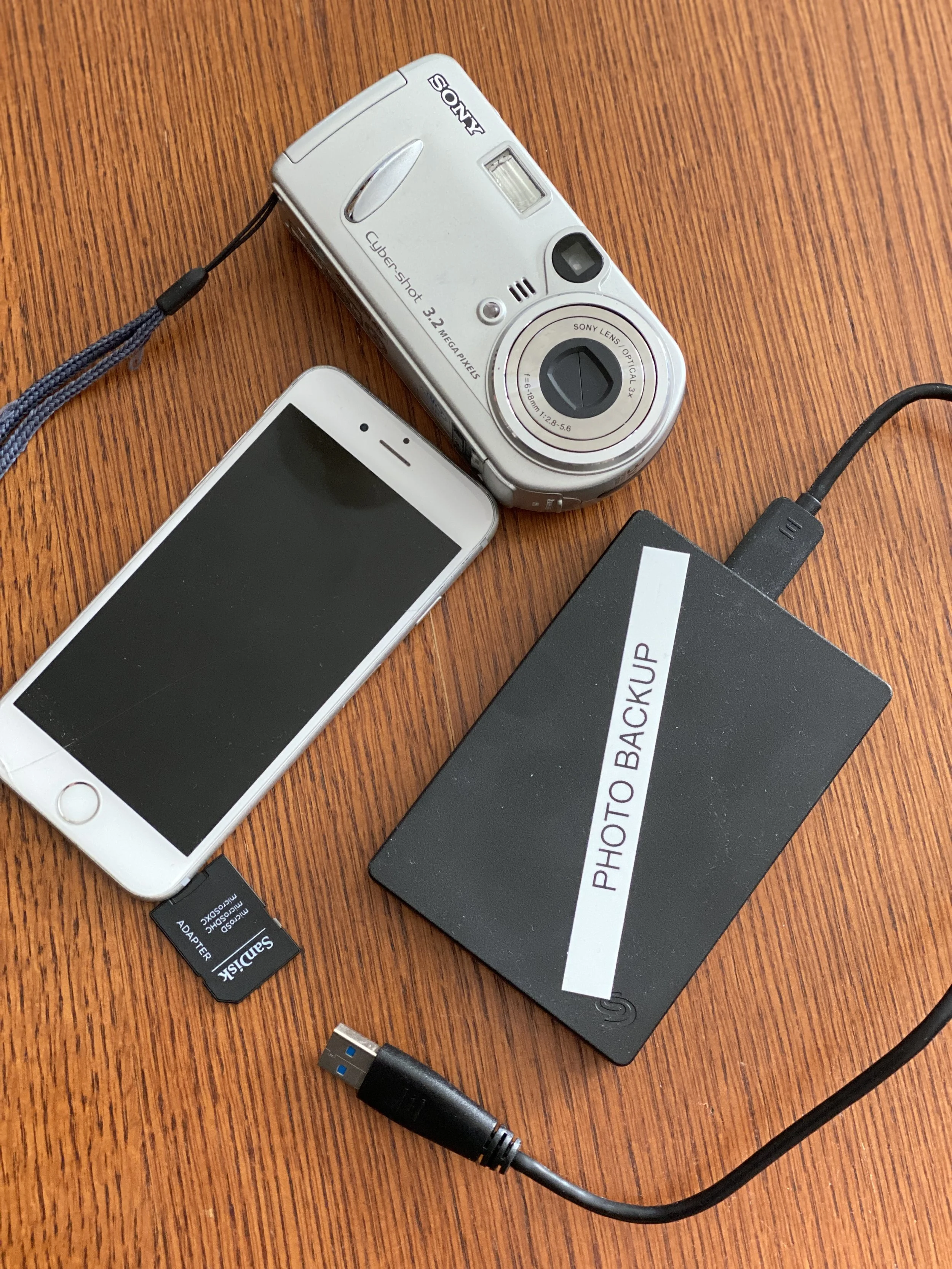
A Digital Photo Hub is your centralized location for storing all your photos and videos—whether digital or digitized. Think of it as your personal photo vault. Usually, it’s a large external hard drive (I recommend at least 2TB to start) that becomes your master archive.
This is where you’ll copy every image, clip, or scanned document from:
Old phones and tablets
Digital cameras
Laptops and desktops
USBs and SD cards
CDs, DVDs, and yes—even floppy disks if you still have those
Why It Matters
You Finally Know Where Everything Is
No more searching through five devices and three cloud accounts. With everything in one place, organizing becomes not only possible but also easy.You Can Back Up Like a Pro
The 3-2-1 backup rule starts with having a hub. Once you’ve gathered your media, you can:Make one copy for cloud storage.
Another for a second hard drive
And sleep soundly, knowing your memories are protected.
Duplicates? No Problem.
We’ll clean those up later. For now, the most important thing is gathering everything in one place. You can’t organize what you can’t see.It Sets You Up for Success
Once your hub is complete, we can begin organizing chronologically, by event, by person—whatever makes sense for your family’s story.
Getting Started
Here’s what to do:
Buy an external hard drive (2TB minimum).
Gather all your devices, old phones, and memory cards.
Copy and paste everything onto that hard drive. Don’t worry about duplicates or messy folders yet.
Breathe. You’ve already taken the most important step.
Need help building your Digital Photo Hub or are unsure where to begin? That’s exactly what I’m here for. From scanning old prints to setting up cloud backups, I’ll walk you through every step so your memories are not only preserved but beautifully organized for generations to come.